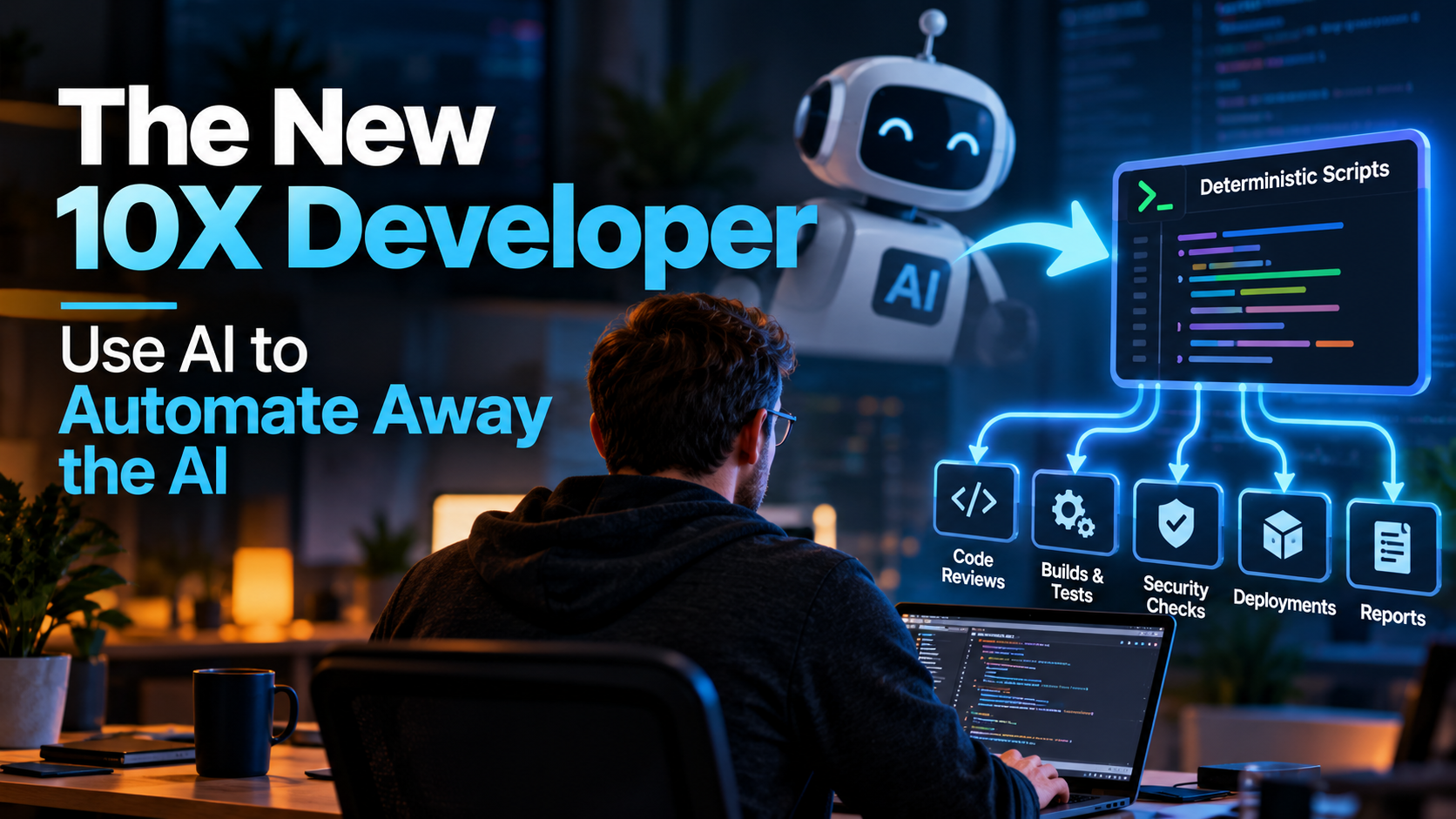
There is a lot of discussion about how developers should use AI to write more code, move faster, and become more productive. Those are certainly useful applications, but I think there is a much bigger opportunity hiding underneath them: developers should be using AI to automate the repetitive work they already know how to do.
I don’t just mean prompting an AI model every time the work needs to be performed. I mean using AI to help us take the expertise in our heads and turn it into deterministic scripts, tools, checks, and automated workflows that can execute the same process reliably over and over again. One of my favorite ways to summarize this is, “The best use of AI is to automate away the AI.”
That might sound counterintuitive in an industry currently trying to put AI into nearly everything. But once you understand the economics, reliability, and scalability of deterministic automation, it starts to make a lot of sense. AI can help you build the automation incredibly fast, and once that automation has been written, tested, and validated, you may not need AI to perform that task anymore.
That is where things get really interesting.
AI Changes the Economics of Automation
Developers have always automated repetitive work. That part isn’t new. What has changed is the cost of creating the automation.
There are countless tasks developers perform where we have historically thought, “I could write a script for this, but it would take too long.” Maybe the task only takes you 20 minutes every few days, so spending two or three days building a robust tool for it doesn’t feel worthwhile. Instead, you keep performing the task manually.
You inspect the same logs, run the same diagnostics, check the same configuration files, review the same patterns in Pull Requests, copy information between systems, and perform the same deployment checks. The automation opportunity has always been there, but the economics often didn’t justify building it.
AI changes that equation dramatically. Something that might have taken you several days to research, design, implement, debug, and document can often be prototyped in minutes with the help of modern AI coding tools. That doesn’t mean you blindly accept whatever code the AI generates. You still need to understand it, test it, review it, and verify that it actually performs the task correctly.
But the cost of getting from “I should automate this someday” to “I have a working prototype” has collapsed. That is a massive shift for software developers. I explored this broader shift in 100× Your Software Development Skills: How AI is the Next Big Leap.
Turn Your Expertise Into Code
The most valuable automation opportunities aren’t necessarily the obvious mechanical ones. They’re often the tasks where you know what to look for because of years of experience.
Imagine reviewing an application deployment failure. A less experienced developer may simply see that the deployment failed, while an experienced developer starts looking for signals. Did the build fail? Which project failed? Was it a compiler error, dependency problem, configuration issue, or infrastructure failure? Did the unit tests fail? Have these particular tests failed together before? Was a configuration file changed in the same Pull Request? Did somebody modify dependency versions? Are there suspicious warnings earlier in the build output that explain the error appearing later?
That process is expertise, and portions of that expertise can often be encoded. Instead of manually walking through the same diagnostic process every time, you can create a deterministic tool that runs the build, executes the unit tests, parses the results, examines relevant configuration changes, searches for known signals, and produces a structured diagnostic report.
You have effectively taken part of your experience and turned it into reusable software. That is a very different way of thinking about automation because you’re not merely automating keystrokes. You’re distilling human intelligence into a repeatable process.
The New 10X Developer Scales Their Judgment
The mythical “10X Developer” has been debated for decades. Usually the conversation focuses on whether one exceptionally talented developer can personally produce ten times as much code as another developer. I think that’s increasingly the wrong way to think about it.
The modern 10X Developer doesn’t need to type ten times faster. They build systems that allow their expertise to execute ten times, a hundred times, or thousands of times.
If you create a tool that performs one of your expert review processes automatically, you don’t personally need to perform that same review every time. Your automation can perform it across every Pull Request, at 2:00 AM, across dozens of repositories, or as part of a CI/CD pipeline. It can be used by developers who don’t yet have your years of experience, and it can even become a tool that an AI agent calls as part of a larger workflow.
Your expertise stops being limited by the number of hours you have available during the day. That’s leverage, and AI makes it dramatically easier to create that leverage. As I wrote in AI Doesn’t Make Great Developers. It Amplifies The Skills You Already Have., the tool amplifies expertise; it does not create it for us.
Deterministic Scripts Are an Excellent Companion to AI
Large language models are incredibly useful, but they are fundamentally non-deterministic systems. Give a model the same general problem multiple times and you may receive slightly different answers. That flexibility is part of what makes AI powerful because it can reason about ambiguous information, generate possibilities, and adapt to situations that weren’t explicitly programmed.
But not every problem requires that flexibility. Sometimes the correct answer is simply the result of a known algorithm.
If I already know exactly how to validate a configuration file, I don’t necessarily need an AI model reasoning about that file every time. I can write a validator. If I know exactly how to detect a particular anti-pattern in a codebase, I may not need an AI model inspecting every file. I can write a scanner. If I know exactly how to collect build artifacts, parse test results, identify failed tests, and correlate those failures with changed files, I can build that workflow deterministically.
This leads to another principle I think is extremely important:
“Writing deterministic scripts enables you to distill human intelligence into repeatable processes at scale, and lower the cost of using AI. The cheapest use of AI is running the deterministic script that doesn’t use AI at all.”
That doesn’t diminish the value of AI. It actually makes AI more valuable because we’re using it where it provides the most leverage. Use AI for ambiguity, synthesis, reasoning, exploration, and accelerating development. Use deterministic software for things we already know how to calculate, validate, inspect, or enforce.
Build Once, Run Thousands of Times
Consider the economics of repeatedly asking an AI model to perform a task. Every execution has some combination of latency, token consumption, model cost, and non-deterministic behavior.
Now compare that with a deterministic script. You may use AI heavily while creating the script. Perhaps AI writes most of the initial implementation, while you review it, adjust the logic, add edge cases, and validate the behavior. Once the tool works correctly, however, the expensive reasoning step disappears.
The script can execute thousands of times, and the marginal cost may be effectively negligible. More importantly, its behavior becomes predictable. Input A produces output B according to rules you can inspect.
That predictability becomes extremely valuable when the automation is integrated into build systems, deployment pipelines, security checks, repository policies, or other infrastructure where consistency matters.
Pull Request Reviews Are a Great Example
Automated code review is one area where this approach can become incredibly powerful. Most automated Pull Request checks today are fairly mechanical: run the build, run the tests, run a linter, check formatting, and maybe run a security scanner.
Those are useful, but imagine layering your team’s accumulated expertise on top of them. You might build custom deterministic checks that look for architectural rules specific to your application. Perhaps certain projects aren’t allowed to reference particular dependencies, every new API endpoint requires specific authorization attributes, or changes to certain configuration files require corresponding documentation.
Maybe database schema changes should trigger additional validation. Maybe particular classes should never directly instantiate infrastructure dependencies. Maybe your team has learned through painful production incidents that certain combinations of changes deserve extra scrutiny.
Those lessons often live in somebody’s head, buried in tribal knowledge or scattered across old incident reports. Turn them into code, and now every Pull Request benefits from that experience.
That doesn’t replace human code review. It makes human code review better because reviewers no longer need to spend as much attention rediscovering the mechanical things we already know how to check. Humans can focus on architecture, intent, tradeoffs, maintainability, and the things that genuinely require judgment.
Build Smarter Failure Reports
Build pipelines are another obvious opportunity. A typical CI failure might dump thousands of lines of logs into a console and tell the developer, “Build failed.” Thanks. Very helpful.
We can do much better.
A deterministic diagnostic tool could identify which build step failed, extract compiler errors and relevant warnings, parse test results, group related test failures, examine the files changed by the Pull Request, detect known failure signatures, compare dependency or configuration changes, and produce a concise report highlighting the most useful diagnostic signals.
You could still optionally send that structured report to an AI model for additional reasoning, but notice the architecture. Instead of dumping 50,000 lines of build output into a model and asking, “What happened?”, deterministic tooling first reduces the problem.
It extracts facts, normalizes data, removes noise, and calculates things we already know how to calculate. Then, if necessary, AI reasons over the much smaller and higher-quality dataset. This approach can improve reliability while reducing token usage and cost at the same time.
Give AI Better Tools Instead of Bigger Prompts
This idea becomes especially important as developers build more AI agents and automated AI workflows. There is a temptation to solve every problem by adding more instructions to the system prompt: “When reviewing this code, check this. Also remember to inspect that. Don’t forget these seven architectural rules. Look at these configuration conventions.”
Eventually your prompt starts looking like an employee handbook taped to a compiler.
Some of those instructions probably shouldn’t be instructions at all. They should be tools. Agentic AI Tools Are Orchestrators, Not Magic explains why: the model is only one decision-making component inside a larger system of regular software and tool calls.
If something can be determined reliably with code, write the code. Then give the AI system access to that tool.
Instead of asking an AI model to remember exactly how your organization validates a Kubernetes configuration, provide a deterministic validate-k8s-config tool. Instead of asking the model to manually inspect whether an application’s dependency graph violates your architectural boundaries, give it a validate-architecture tool. Instead of having the model parse raw test output, give it a summarize-test-results tool that produces structured data.
Now the AI isn’t trying to simulate all of those processes through probabilistic reasoning. It can execute trusted software that performs them exactly. This is how we start building AI systems that aren’t just smarter, but more dependable.
Unit Tests Are What Make This Sustainable
There’s an important catch: a script isn’t trustworthy simply because it is deterministic. You can write deterministic bugs too.
If we’re going to increasingly encode our expertise into automation, we need confidence that the automation continues doing what we expect. That’s why I strongly recommend having AI help write a thorough suite of unit tests for every important deterministic tool you create. That starts with writing code that is testable, not treating tests as an afterthought.
AI is particularly useful here. After implementing a script, ask the AI to identify edge cases. Ask it what inputs might break the implementation. Ask it to generate tests covering boundary conditions, malformed data, missing files, unusual encodings, unexpected output formats, and whatever else applies to the problem.
Then run those tests. Every time you change the tool, update the tests. Every bug you discover should ideally become another regression test.
Over time, the test suite becomes a specification for the expertise you’ve encoded. That gives you the confidence to continue improving the automation without accidentally breaking assumptions established months or years earlier.
The cycle becomes simple: automate, test, validate, use, learn, improve, and test again. AI can accelerate every part of that loop.
Trust, but Verify
There is a dangerous version of AI-assisted development where developers generate code and immediately assume it works because the code looks plausible. Plausible code isn’t enough.
We need to trust, but verify.
If AI generates a script, read it. Run it against real examples. Test failure conditions. Ask what assumptions the implementation makes. Have AI help identify edge cases. Add unit tests, and compare its results against the manual process you’re trying to replace.
Only after you have confidence in the automation should you begin depending on it. Once validated, however, something interesting happens: the deterministic implementation may actually become more trustworthy than repeatedly asking an AI model to solve the same problem.
You have moved from probabilistic reasoning to tested software. That’s progress.
Start Looking for Your Automation Surface Area
A useful habit is to pay attention whenever you perform the same technical task more than a few times. Ask yourself, “Could I turn this into a script?”
Then ask the more interesting question: “If AI could help me build the script in 15 minutes instead of two days, would automating it suddenly make sense?” For more practical ways to build that habit, see 8 AI Productivity Tips That Took Me Years to Learn (So You Don’t Have To).
You’ll probably start noticing opportunities everywhere. Repository maintenance, dependency validation, release preparation, log analysis, codebase migrations, configuration validation, Pull Request checks, security reviews, incident diagnostics, documentation generation, test-data creation, environment verification, cloud resource reporting, cost analysis, and deployment validation are all candidates.
None of these ideas require building some massive AI platform. Sometimes the highest-leverage tool you can build is a 150-line Python script that permanently eliminates a tedious task.
Those small tools accumulate. Eventually you have an ecosystem of automation carrying more and more of the mechanical workload while you spend your time on the problems that actually require human judgment.
Don’t Automate Your Expertise Away. Automate It Into the System.
Some developers worry that AI will reduce the value of their expertise. I think there’s another way to look at it.
AI gives experienced developers an unprecedented opportunity to encode more of their expertise into the systems around them. Every lesson you’ve learned from debugging production incidents can become a diagnostic check. Every pattern you repeatedly catch in Pull Requests can become an automated review rule. Every tedious operational process you’ve mastered can become a tool. Every checklist sitting in documentation can potentially become executable software.
Your expertise doesn’t disappear. It becomes infrastructure.
And once expertise becomes infrastructure, it scales.
The Real Productivity Multiplier
AI can absolutely help developers write code faster, but typing code faster isn’t the biggest productivity multiplier available to us. The bigger opportunity is using AI to dramatically reduce the cost of building automation.
That automation can then perform work repeatedly, reliably, cheaply, and at a scale no individual developer could ever match manually. Use AI to discover the solution, help implement it, identify edge cases, write the tests, and improve the tool.
Then, whenever possible, automate away the AI.
The future of the 10X Developer isn’t someone frantically generating ten times more code. It’s the developer who continually asks:
What do I know how to do that I can teach the computer to do forever?
Turn that knowledge into tested, deterministic software, and your expertise is no longer limited to what you can personally accomplish today. It becomes reusable, it becomes scalable, and perhaps most importantly, it becomes something the rest of your team—and even your AI systems—can build upon.