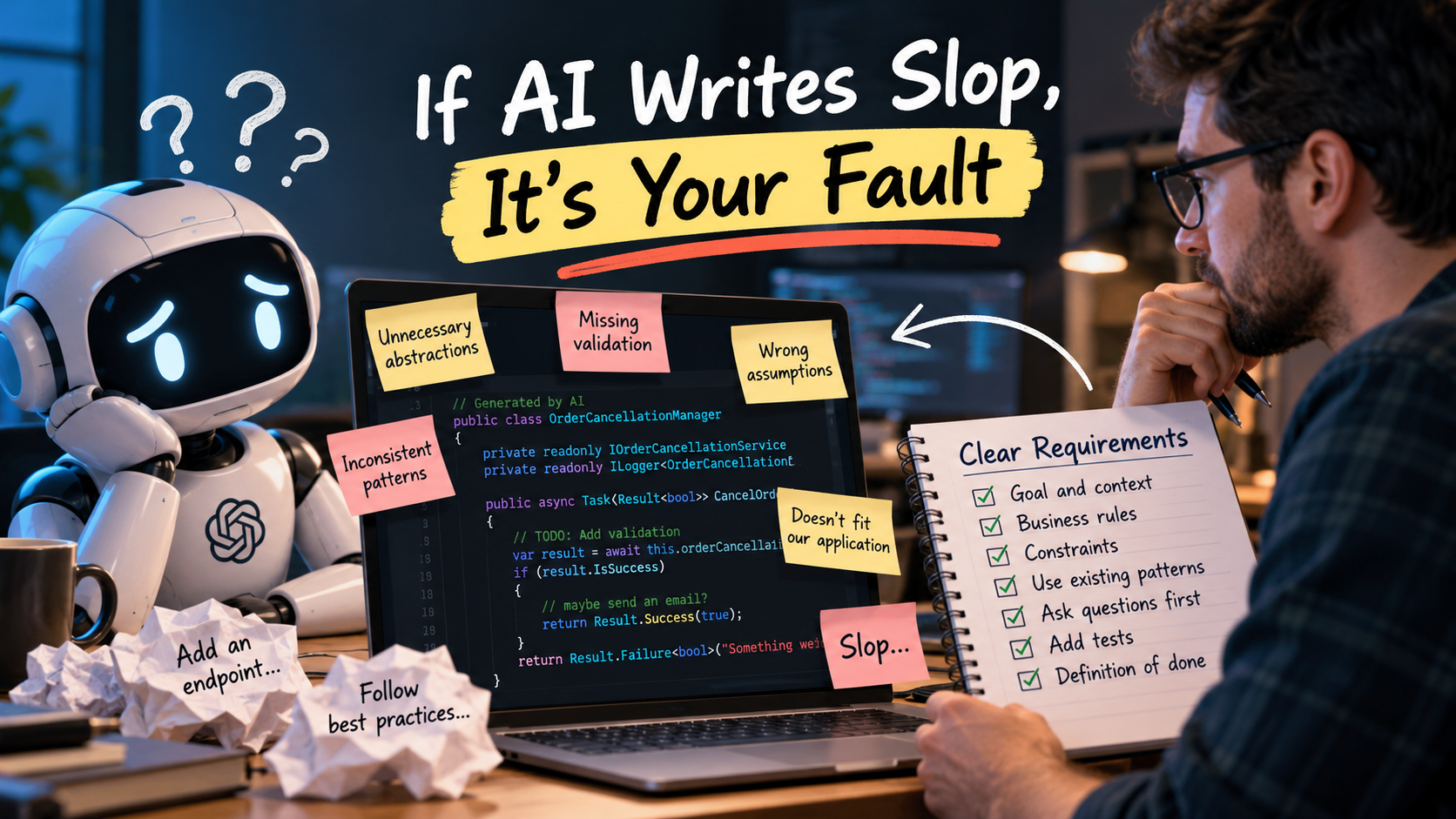
There is a lot of discussion about AI-generated code being “slop.” Code that looks reasonable at first glance but is full of unnecessary abstractions, inconsistent patterns, missing validation, and assumptions that don’t match the application it is supposed to work in.
Some of that criticism is deserved. AI models can produce bad code, and developers should not blindly accept it.
But there is another part of this conversation that doesn’t get enough attention: developers giving an AI tool almost no useful context, then complaining that it didn’t produce the solution they had in their head.
If the AI writes bad code because you never explained the requirements, constraints, or standards it needed to follow, that’s your fault.
Just as you can’t read a client’s mind, the AI can’t read yours.
I’m not arguing that every model failure is a user error. I’m arguing that missing requirements are not a model failure, and accepting unreviewed code is not a development process. Before blaming the model, we need to examine the instructions we gave it.
Knowing How to Code Isn’t Knowing What You Want
Tools like Claude Code and GitHub Copilot use large language models with broad capabilities. Many models are also trained or tuned specifically for coding and tool use. It would be inaccurate to say they have no specialization.
But specialization in software development is not specialization in your software.
Even a coding-focused model in the Codex family doesn’t automatically know your business rules, architectural boundaries, security requirements, or the reasons your team rejected a particular approach six months ago.
It may know several ways to implement authentication. That doesn’t tell it which identity provider your organization uses. It may know how to write a database migration. That doesn’t tell it whether your production deployment process permits downtime.
Choosing a more capable model can help. It does not eliminate the need to explain the problem.
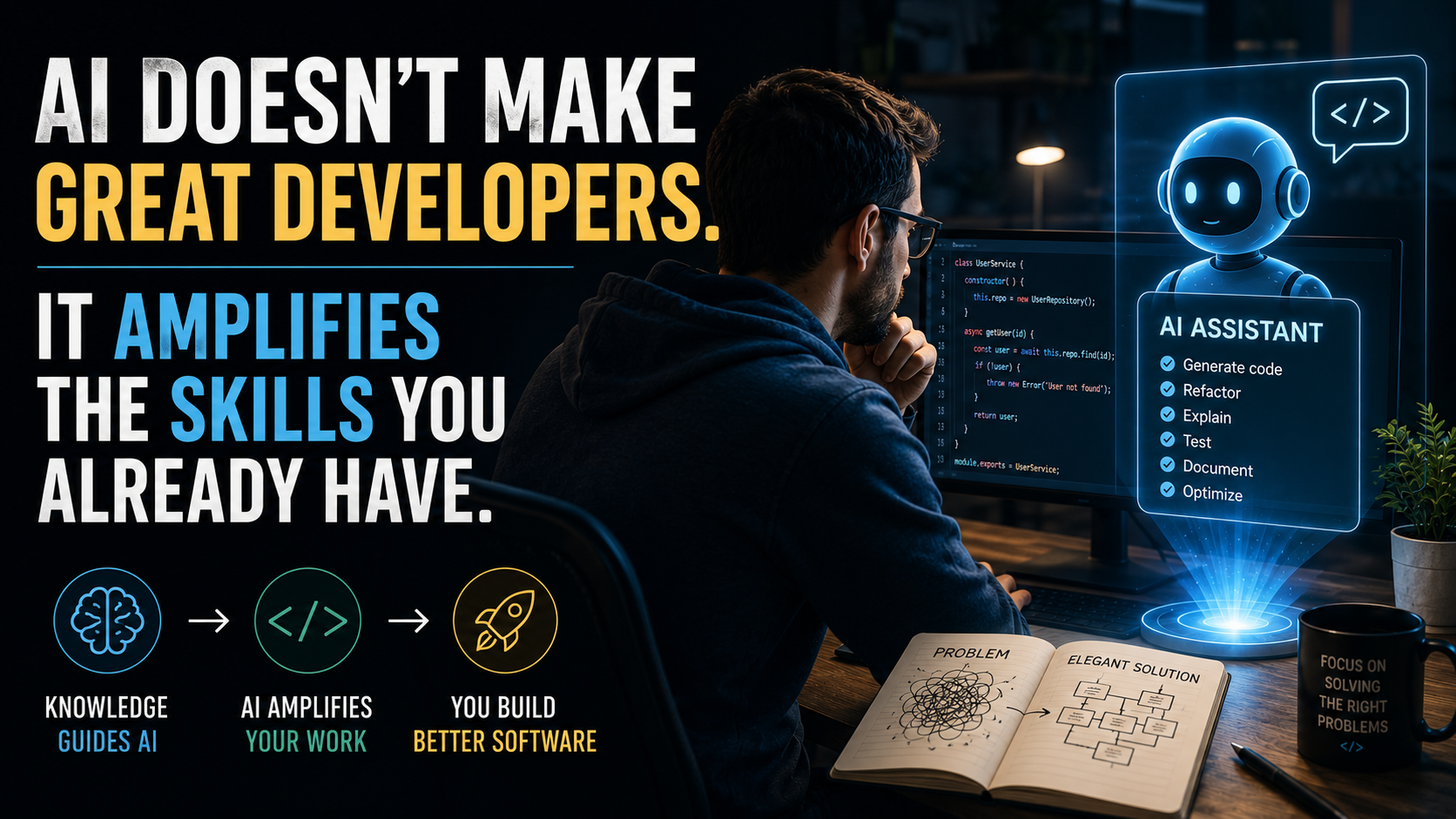
As I wrote in AI Doesn’t Make Great Developers. It Amplifies The Skills You Already Have., expertise matters because somebody still needs to define what a good solution looks like.
Assumptions Fill the Space Where Requirements Should Be
Imagine a client telling you, “We need customers to be able to cancel orders.”
You wouldn’t consider that a complete specification.
Can they cancel after the order has shipped? Does cancellation trigger a refund? Who is authorized to perform it? What happens when the same request arrives twice? Do we need an audit trail? Does another system need to be notified?
A good engineer recognizes that these questions affect the implementation. They don’t just write a method named CancelOrder() and declare the feature finished.
Yet developers regularly give AI assistants prompts like:
Add an endpoint to cancel orders. Follow best practices.
Then they are surprised when the result makes choices they don’t like.
The assistant might delete the order instead of changing its status. It might accept any authenticated user instead of checking ownership. It might introduce a new service when the application already has one. It might implement a refund flow that the business never requested.
Those aren’t interchangeable implementation details. They’re decisions about what the system does.
When you leave those decisions unspecified, the assistant may fill in the gaps with plausible defaults. Sometimes those defaults are useful. Sometimes they’re completely wrong for your application.
The problem isn’t that assumptions exist. Every software project has them. The problem is letting important assumptions remain invisible until they become code.
Delegate Like You Would to Someone New to the Team
I think the most useful mental model is to treat an AI coding assistant like a capable contributor who has just joined the project.
The intern or junior engineer comparison is helpful here, not because AI and people have identical abilities, but because both need onboarding and clear expectations.
A new developer might know the language and framework while knowing nothing about your business domain. They may copy an existing pattern without realizing it is legacy code the team is trying to replace. They may implement the ticket literally because they don’t yet recognize the questions they should ask.
AI assistants can behave similarly. They can move quickly, produce something plausible, and carry an incorrect assumption through an entire implementation.
They can also ask good clarifying questions. But I wouldn’t build my workflow around hoping they notice every missing requirement.
If you wouldn’t assign a task to a junior developer without explaining the expected behavior, pointing to a reference implementation, and arranging a review, why would you skip those steps with an AI assistant?
Fast execution doesn’t make an incomplete assignment complete.
Give the AI a Brief, Not Just a Command
You don’t need to write a novel for every prompt. You do need to provide the information that changes the answer.
For the order-cancellation example, a more useful prompt might look like this:
Add order cancellation to this existing ASP.NET Core application.

Before editing, inspect the current order endpoints, application service,
authorization rules, and tests. Follow the established patterns rather
than introducing a new architecture.

Required behavior:
- Customers can cancel only their own orders.
- Only orders in Pending status can transition to Cancelled.
- Repeating cancellation for an already Cancelled order owned by the
  customer succeeds without repeating side effects.
- Other order statuses must be rejected using the existing error format.
- Retain the order record; do not delete it.
- This task does not include refunds or changes to payment processing.

Constraints:
- Derive customer identity from the authenticated request, not the body.
- Keep HTTP handling separate from cancellation rules.
- Reuse the existing data access and audit mechanisms.
- Do not add dependencies or change unrelated public contracts.

Before implementing, summarize the approach and identify unresolved
questions about authorization, concurrent updates, or audit behavior.
Ask me about those questions instead of inventing business rules.

Add tests for ownership, allowed and rejected transitions, and repeated
requests. Run the relevant tests if the environment supports it, and
report exactly what you ran and anything you could not verify.
This isn’t a magic prompt. It still needs review, and the repository may expose additional questions.
But it gives the assistant something concrete to work with: a goal, relevant context, business rules, boundaries, and a definition of done.
Notice that it doesn’t dictate every class name or line of code. The assistant still has room to help with implementation. It just doesn’t have permission to invent the business requirements.
That is the distinction I want developers to understand. Be specific about what matters, not controlling about everything.
Tell It When to Stop and Ask
One of the simplest improvements you can make is to explicitly ask the assistant to surface uncertainty before it starts editing.
I covered this in 8 AI Productivity Tips That Took Me Years to Learn (So You Don’t Have To): ask clarifying questions first.
However, “ask questions” is more useful when you explain which questions matter.
Before making changes, identify missing requirements that affect
correctness, security, data integrity, or public API behavior.

Ask me to resolve those requirements before implementing them.
For low-risk details, follow existing repository conventions and
briefly list any assumptions you made.
You don’t need an interview about indentation. You do need a conversation before the assistant decides who is allowed to access a customer’s data.
This also gives you a useful checkpoint. If the proposed approach is wrong, correct it before the assistant turns it into changes across fifteen files.
Put Repeated Expectations Into Shared Instructions
If you keep telling the assistant the same thing, stop relying on yourself to remember it in every prompt.
Put durable project knowledge into the configuration your tool supports. That can include repository instructions, AGENTS.md, custom agents, and skills.
These serve different purposes:
| Context layer | What belongs there |
|---|---|
| Task prompt | The current goal, acceptance criteria, scope, and unresolved questions. |
| Repository instructions | Shared architecture rules, coding conventions, build and test guidance, and approved examples. |
| Custom agent | A recurring role, such as implementation or review, with its expected workflow and tool boundaries. |
| Skill | A focused procedure for a repeatable task, with supporting examples or resources when needed. |
For example, shared project guidance could say:
## Implementation Expectations

- Inspect the relevant implementation and tests before changing code.
- Keep business rules out of HTTP handlers.
- Follow the current application service and data access patterns.
- Ask before adding dependencies or changing public contracts.
- Do not invent authorization rules, retention policies, or payment behavior.
- Add regression tests for bugs and tests for new business rules.
- Report which checks ran, their results, and anything left unverified.
Add links to approved implementations in your actual repository. A concrete example of “how we do this here” is often more useful than another paragraph saying “follow best practices.”
The supported formats, locations, and loading rules vary by tool and mode. Don’t assume that every assistant reads every instruction file or loads every skill for every task. Check the GitHub Copilot repository-instruction documentation and the VS Code customization guidance for the environment you’re using, then verify the intended guidance is actually being applied.
These instructions are context, not guarantees. A custom agent is not a newly trained model, and a Markdown rule is not a security boundary.
As I explained in Agentic AI Tools Are Orchestrators, Not Magic, the tooling around the model matters. The right instructions still need the right files, tools, and validation process around them.
“Write Clean Code” Is Not a Coding Standard
After all, if you expect a junior developer to follow your team’s Clean Code practices, you have to teach those practices, show examples, and explain the tradeoffs. Simply saying “write clean code” isn’t enough.
The same applies to AI.
What does clean code mean in this repository? Small functions? Clear naming? Isolated side effects? Existing abstractions? Minimal dependencies? No new abstraction until there’s an actual need for it?
Different teams answer those questions differently. Even good principles can conflict when applied without judgment. An assistant trying to “follow SOLID” might produce six interfaces for a feature that only needed a small function.
Make the expectations observable:
- Prefer the existing service boundary over creating another architectural layer.
- Separate business decisions from database and network operations so the decisions can be tested independently.
- Use domain-specific names instead of vague names like
ManagerorHelper. - Keep changes focused on the requested behavior rather than refactoring unrelated code.
- Test meaningful outcomes and failure cases, not just whether a generated mock was called.
That connects directly to writing code that is testable. You need a design that makes important behavior possible to verify, not just a pile of tests surrounding whatever the assistant happened to generate.
Better Context Doesn’t Excuse Bad Models or Skipped Reviews
There is a limit to this argument.
A model can ignore clear instructions, invent an API, miss a vulnerability, or introduce a subtle bug even when you provide excellent context. Sometimes a different model or tool helps. Sometimes you need to narrow the task. Sometimes you should write the difficult part yourself.
Users should not need a perfect prompt to get basic correctness, and tool builders still have a responsibility to improve reliability. Valid criticism of AI-generated code doesn’t stop being valid because prompts matter.
But your responsibility for the code you merge doesn’t disappear either.
Read the diff. Check it against the requirements. Run the tests. Inspect failure paths and security boundaries. Use formatters, analyzers, CI checks, and other deterministic controls wherever they can enforce a rule reliably. Don’t ask a prompt to do the job of a permission system or a test suite.
Also, more context isn’t always better. Conflicting instructions, outdated examples, and pages of unrelated documentation can make the task harder. Share relevant information through approved tools, and don’t expose credentials or sensitive customer data just to make a prompt more detailed.
The goal is sufficient, accurate context—not the longest possible prompt.
Own the Feedback Loop
When the assistant produces something wrong, use the mistake to improve the process.
Was a requirement missing? Add it. Was an important assumption hidden? Make it explicit. Was a repository example misleading? Point to a better one. Did the assistant violate a clear rule? Correct the output and investigate whether the tool loaded the rule and could follow it reliably.
If you repeatedly fix the same problem without improving the shared instructions or adding an enforceable check, you’re signing up to repeat the same review forever.
Start with one recurring problem. Document the expected behavior, add a useful example, and test the guidance on the next task. Keep what improves the results and revise what doesn’t.
That is engineering, not finding a clever phrase that makes the model behave perfectly.
Before calling the next AI-generated implementation “slop,” ask yourself whether you could have handed the same instructions to a new developer and reasonably expected the result you wanted.
If the answer is no, start there.
You can’t read your client’s mind. The AI can’t read yours. Make your expectations explicit, and take responsibility for deciding whether the result is good enough to ship.